ASDK Installation with the Cloud Installer
Installation
Install the NuGet Package
The SDK exists as a 64 bit NuGet package IDScanNet.Authentication.SDK. You can add this package to projects that target the following frameworks
- .NET Framework 4.6.2 (and above)
- .NET Core 3.1
- .NET 5 (and above)
To add this package to the project you can use use the following dotnet command:
dotnet add ProjectName package IDScanNet.Authentication.SDK
Or you can add the NuGet Package through Visual Studio.
First open the dialog

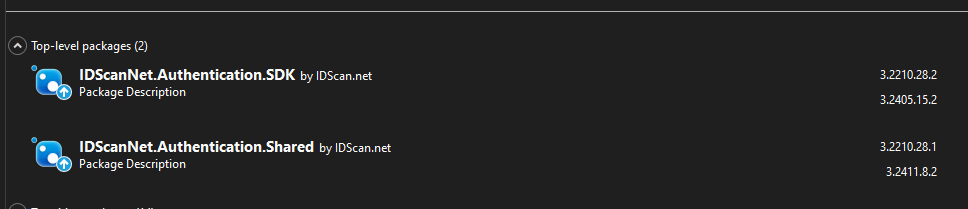
You can search for the Authentication.SDK and it will appear in the search results
Installation of the Host File
You can install the Authentication SDK Host File using the Cloud installer file located here
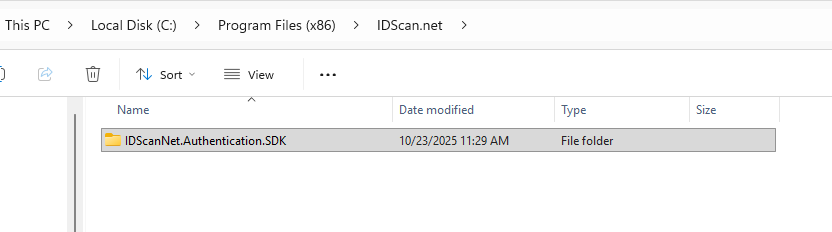
Installer file will install the necessary files into the following location C:\Program Files (x86)\IDScan.net\IDScanNet.Authentication.SDK.
Updating the ASDK Host Application
When Updates are available in the Cloud Installer, you can update the ASDK Host application through the installer interface.
Uninstalling the ASDK Host Application
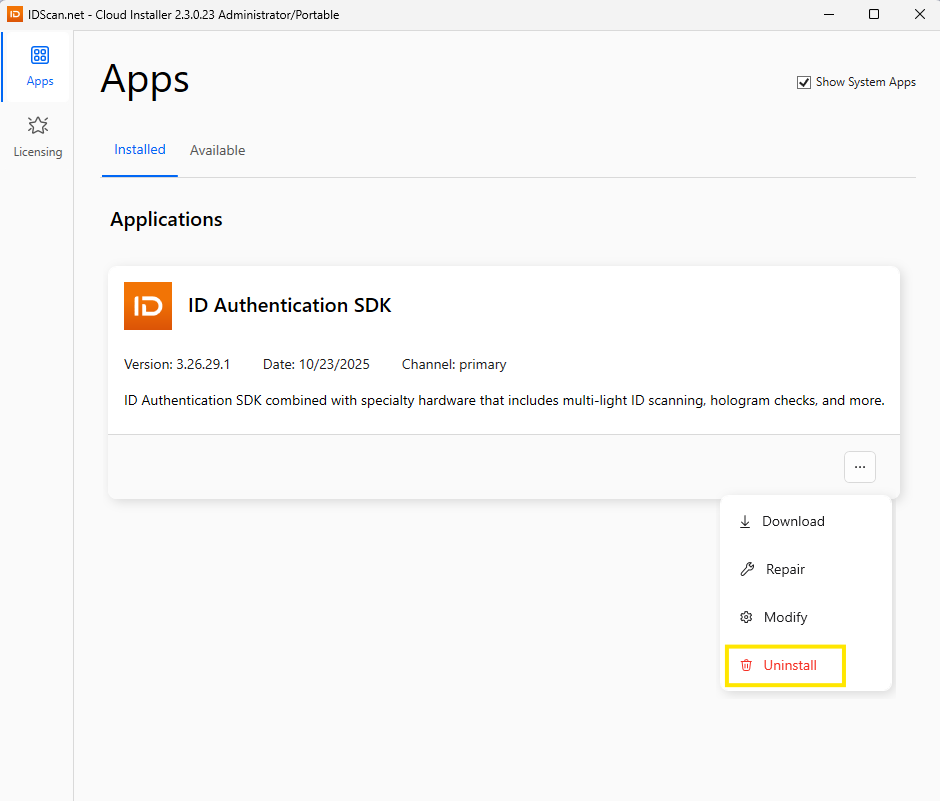
Uninstalling the ASDK Host application can be done through the Cloud installer