DIVE Online Web Portal - Account Profiles
An Account Profile in DIVE Online represents a set of configurations that define how verification requests are processed for a specific account. Each account can have multiple profiles, allowing for tailored verification processes based on different use cases or client requirements.
Creating an Account Profile
To create a new Account Profile, follow these steps:
Log in to the DIVE Online Web Portal.
Navigate to the "UI Customization" or the "Settings" section.
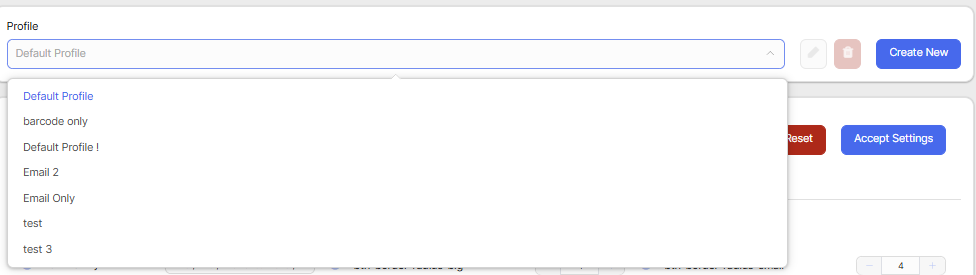
Located at the top of the page, the current Account Profile is displayed. Click on the profile name to open the profile selection menu.
In the profile selection menu, click on the "Create New Profile" button.
Once the new profile is created, you can customize its settings according to your requirements.
This profile can then be selected when creating verification requests, allowing you to apply different configurations as needed.