DIVE Online Web Portal - API Tokens
API Tokens for DIVE Online can be created and managed in the Web Portal under the "API Tokens" section.
DIVE Online users on the "No Code" worfklow are advised to not make changes to API Tokens unless they are integrating with the DIVE Online API directly.
To create a new API Token, follow these steps:
- Navigate to the "API Tokens" section of the DIVE Online Web Portal.
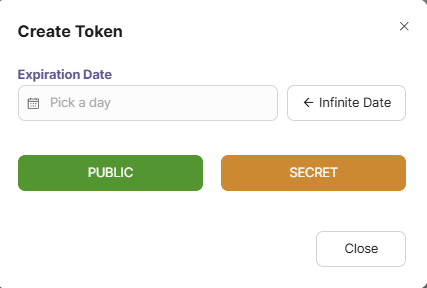
- Click the Add Token button.

- Choose the type of API Token you wish to create with the desired expiration date:
(More Information about public vs. secret tokens can be found in the DIVE Online API Manual.
Note
At least one public API Token must always be active in order for DIVE Online integrations to function properly.